How it works
Seconds to start.As deep as you like.
Drop in your pictures, pick a motion and export. Everything past that is yours to shape.
In seconds
A first cut before the coffee's done.
01/Drop in
Bring your pictures.
Drag photos or clips in from your desktop. They fill the template in the order you drop them.
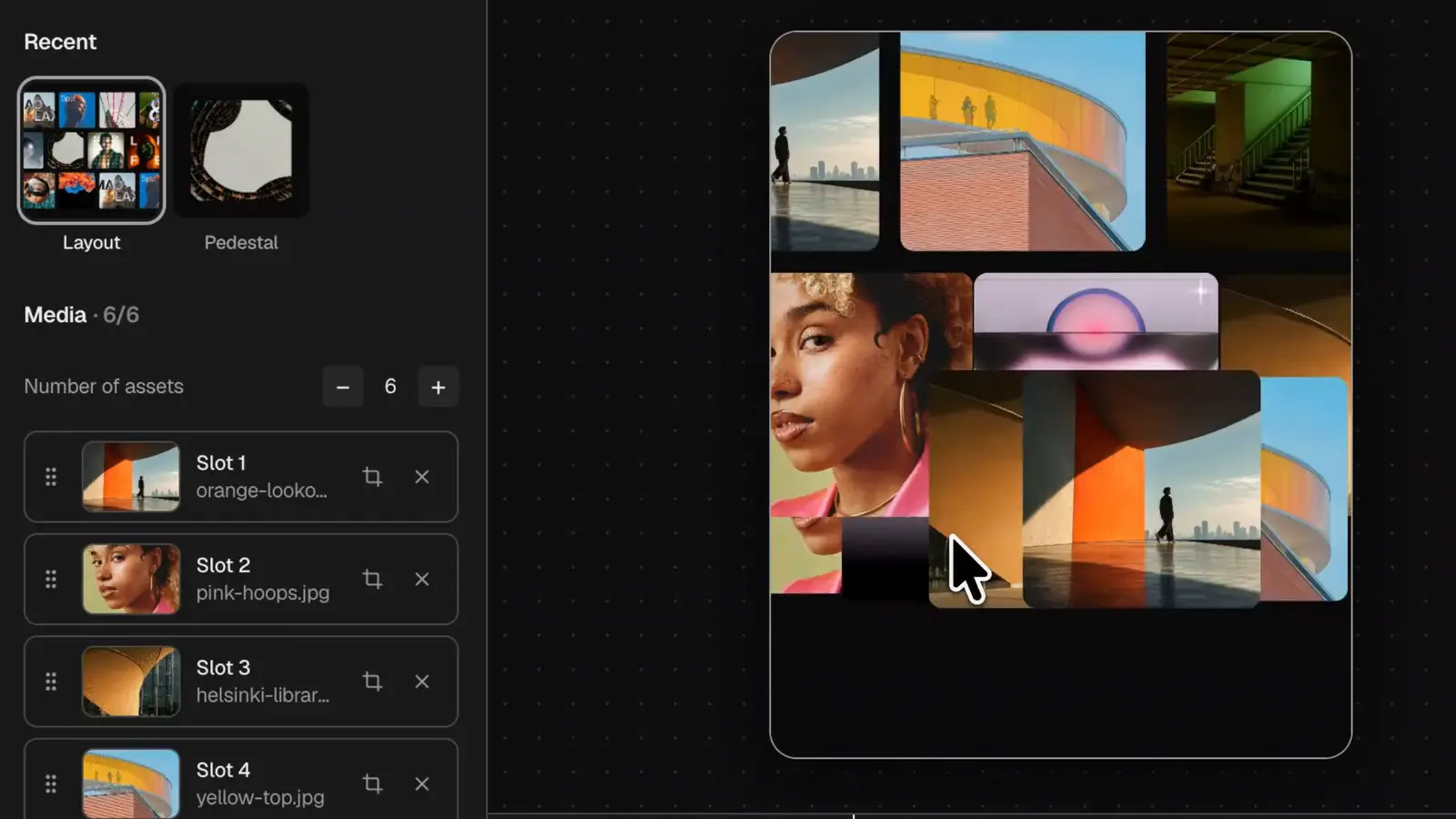
02/Try on motions
Try every motion.
Browse the library by how things move, then flip between recent ones. Your pictures come with you.
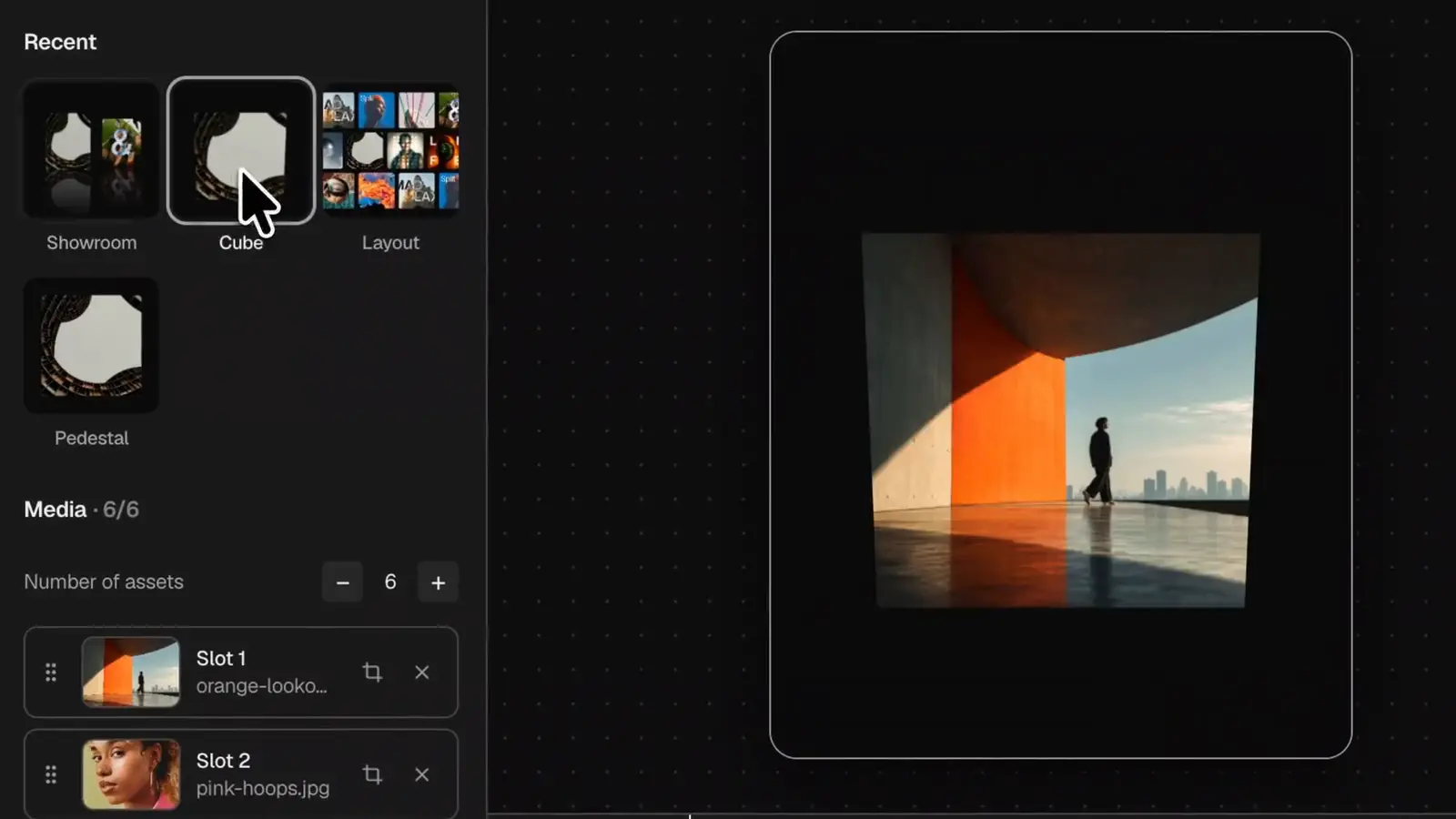
03/Shape it
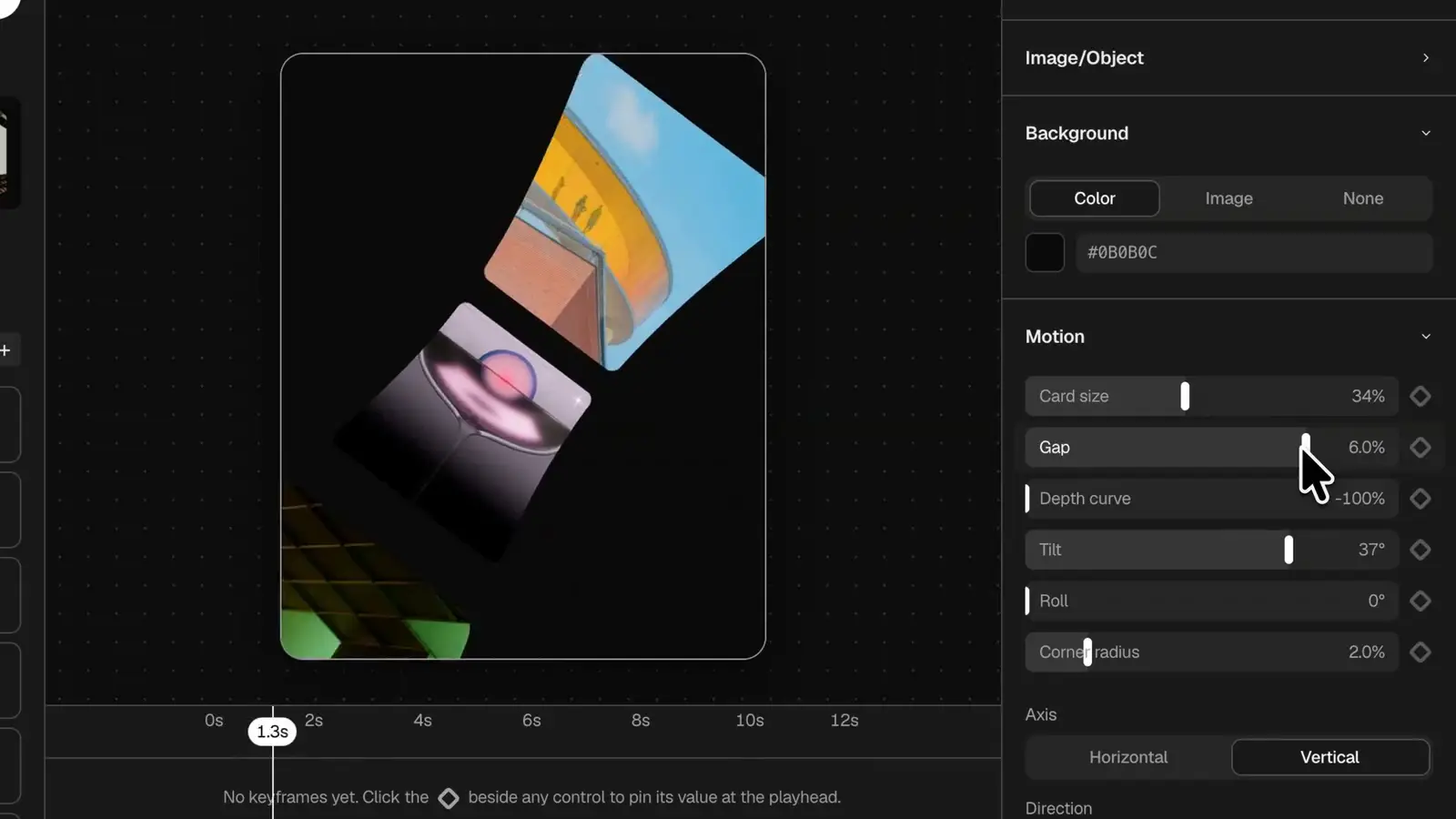
Tune it with sliders.
Every template has its own controls. Drag one and the stage answers as you go.
04/Fit the post
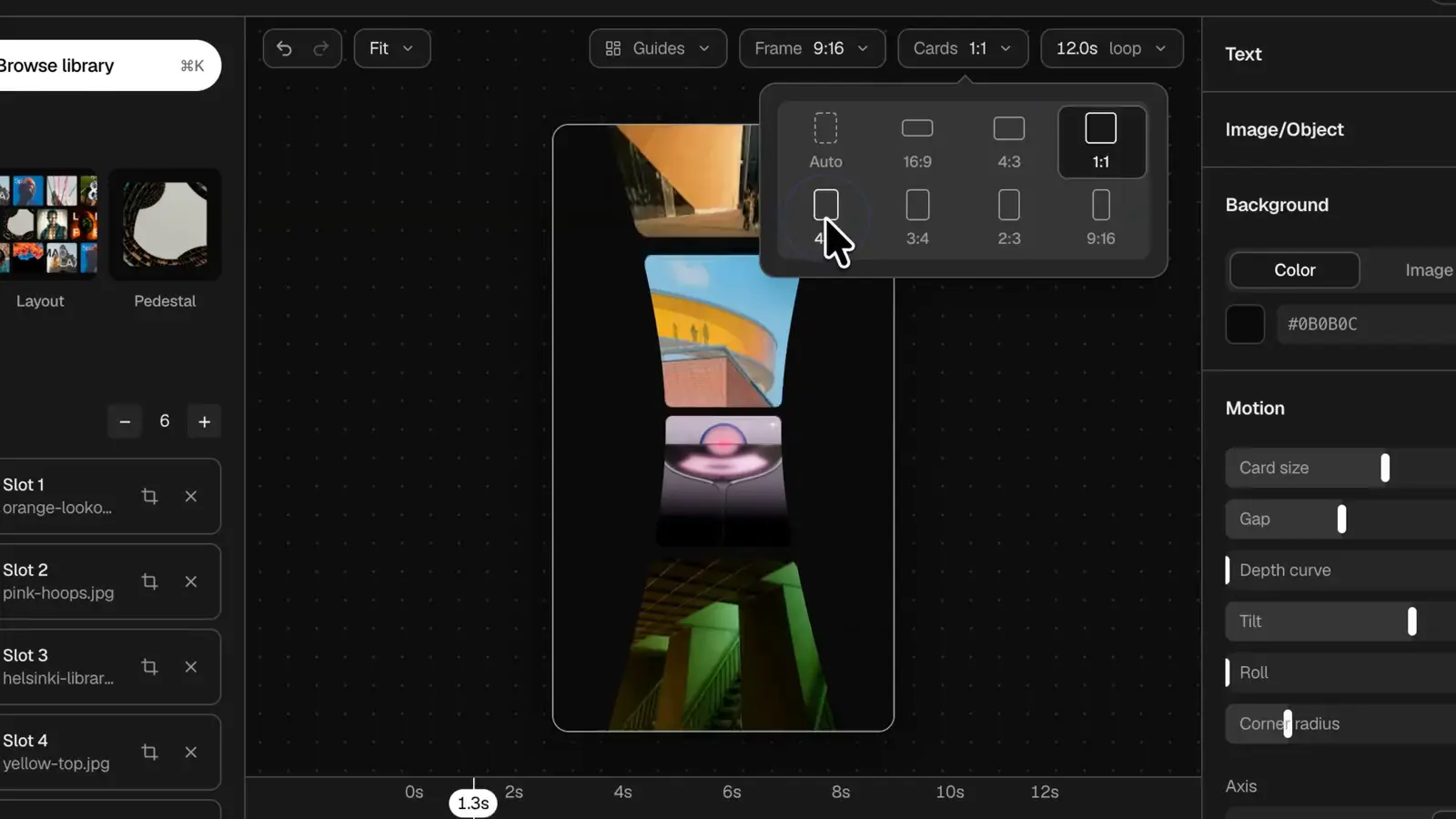
Fit any post.
Change the frame from 4:5 to 9:16, or the shape of the cards inside it. The motion recomposes.
Make it yours
As far as you want to take it.
05/Brand it
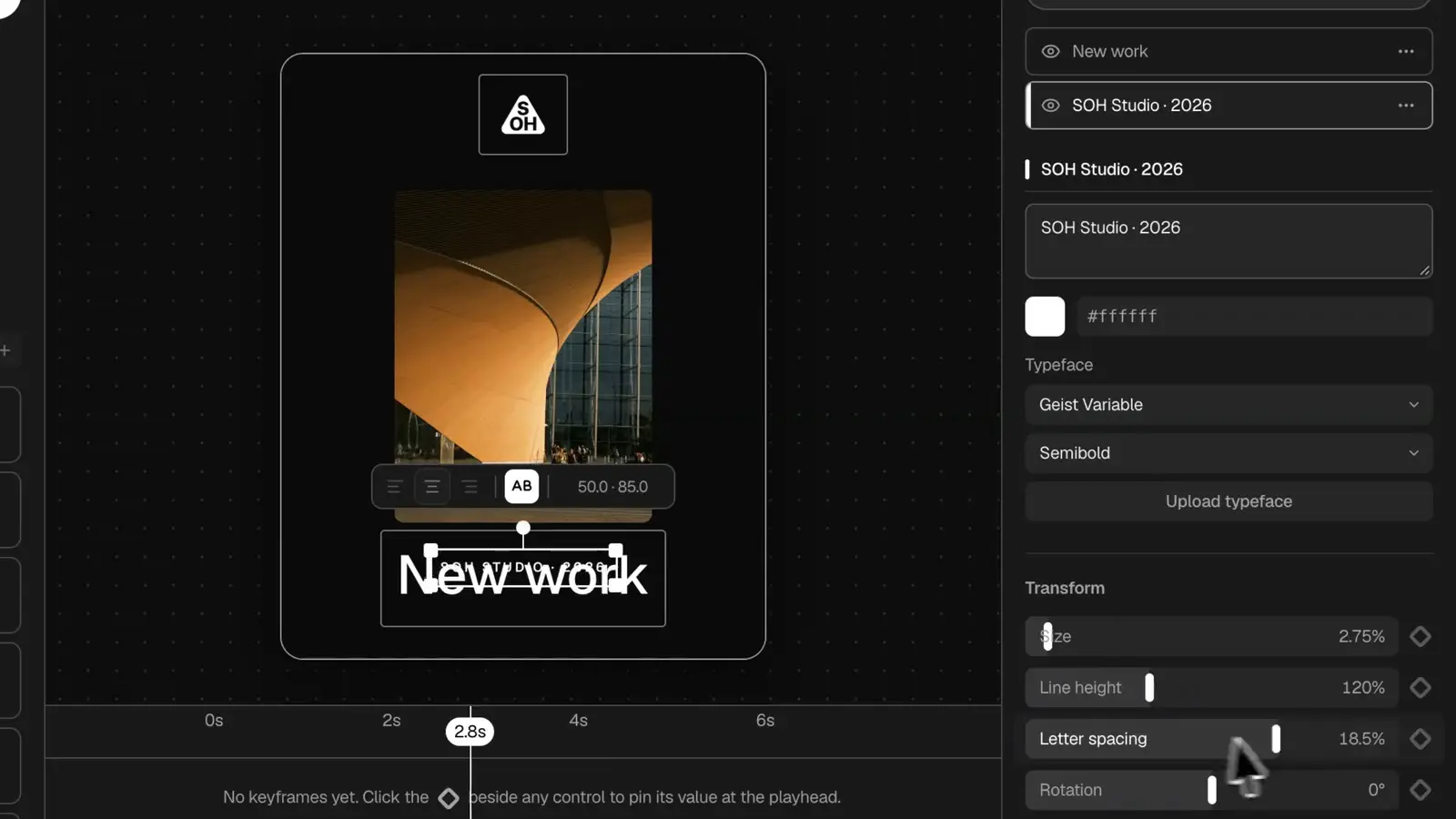
Put your name on it.
Drop a logo on the stage and set a headline in your own type, right where it will sit.
06/Keyframes
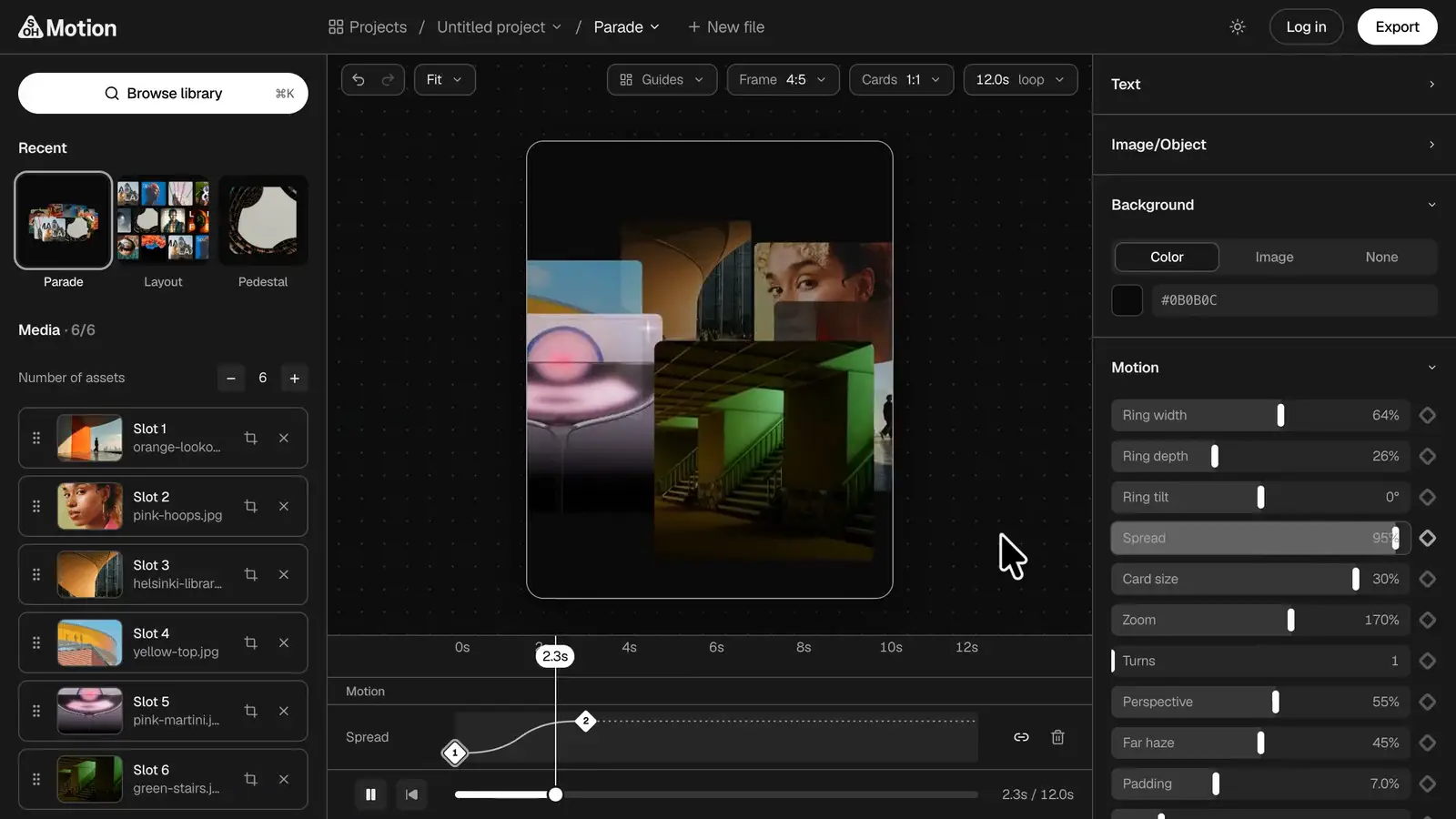
Animate any control.
Pin a value with the diamond, move the playhead, change it. It moves between the two.
07/Sound
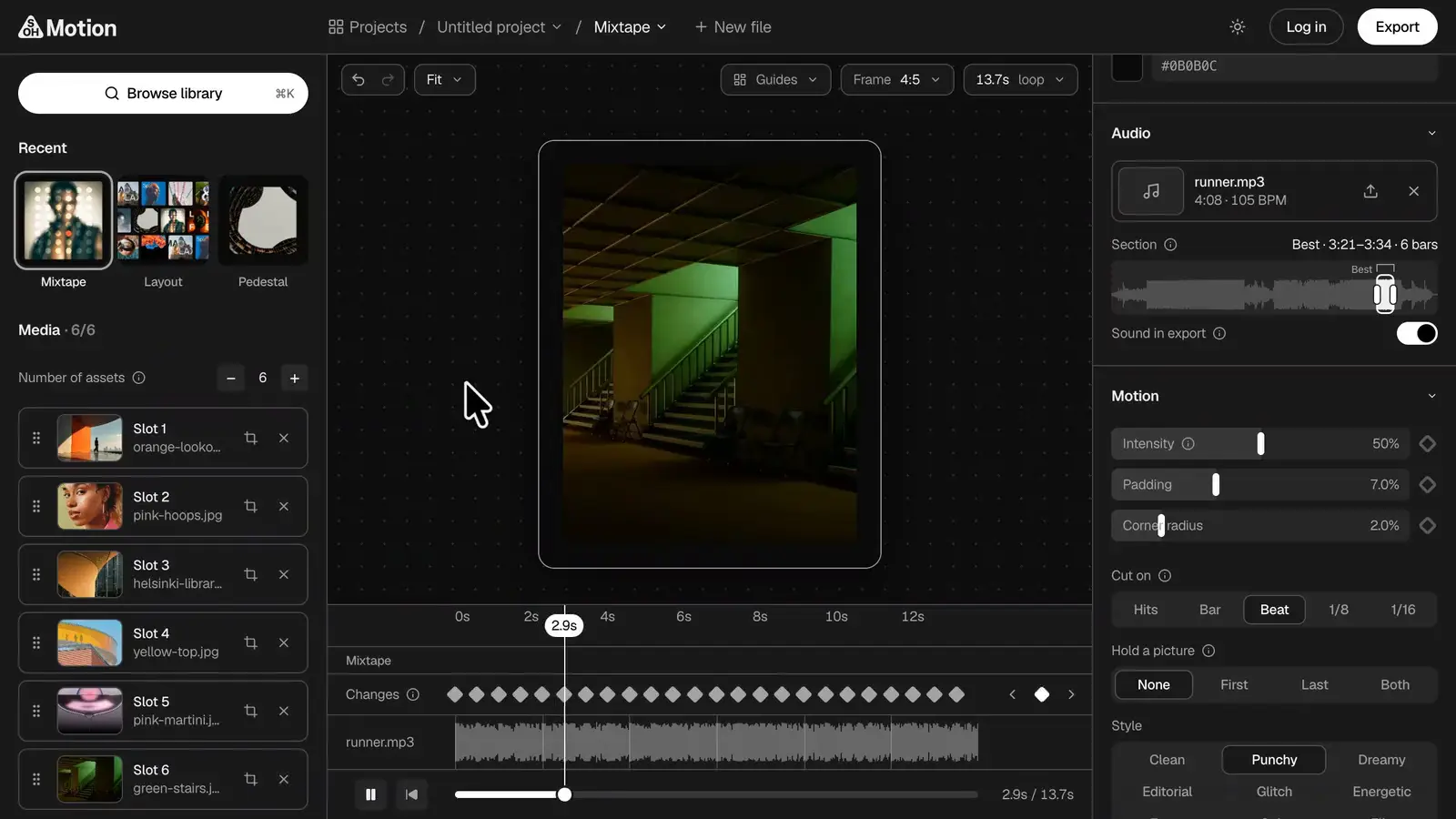
Cut it to a song.
Add a song and the pictures change on its beat. Choose what they cut on: hits, bars or every beat.
08/3D
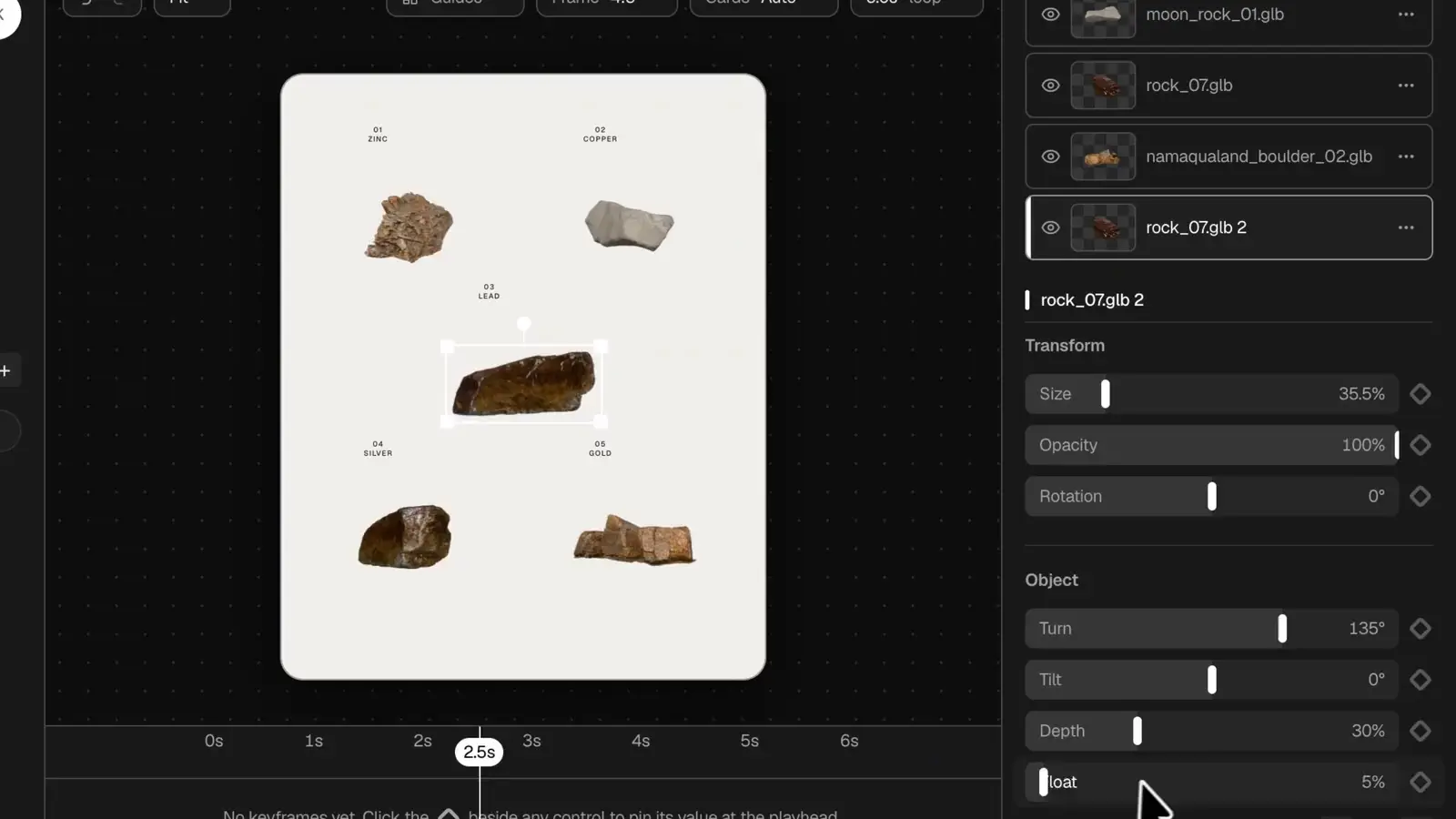
Add something solid.
Drop in a 3D model and it turns in your frame. Size it, turn it, set it floating.
Out the door
One file, ready to post.
09/Export
Export and post.
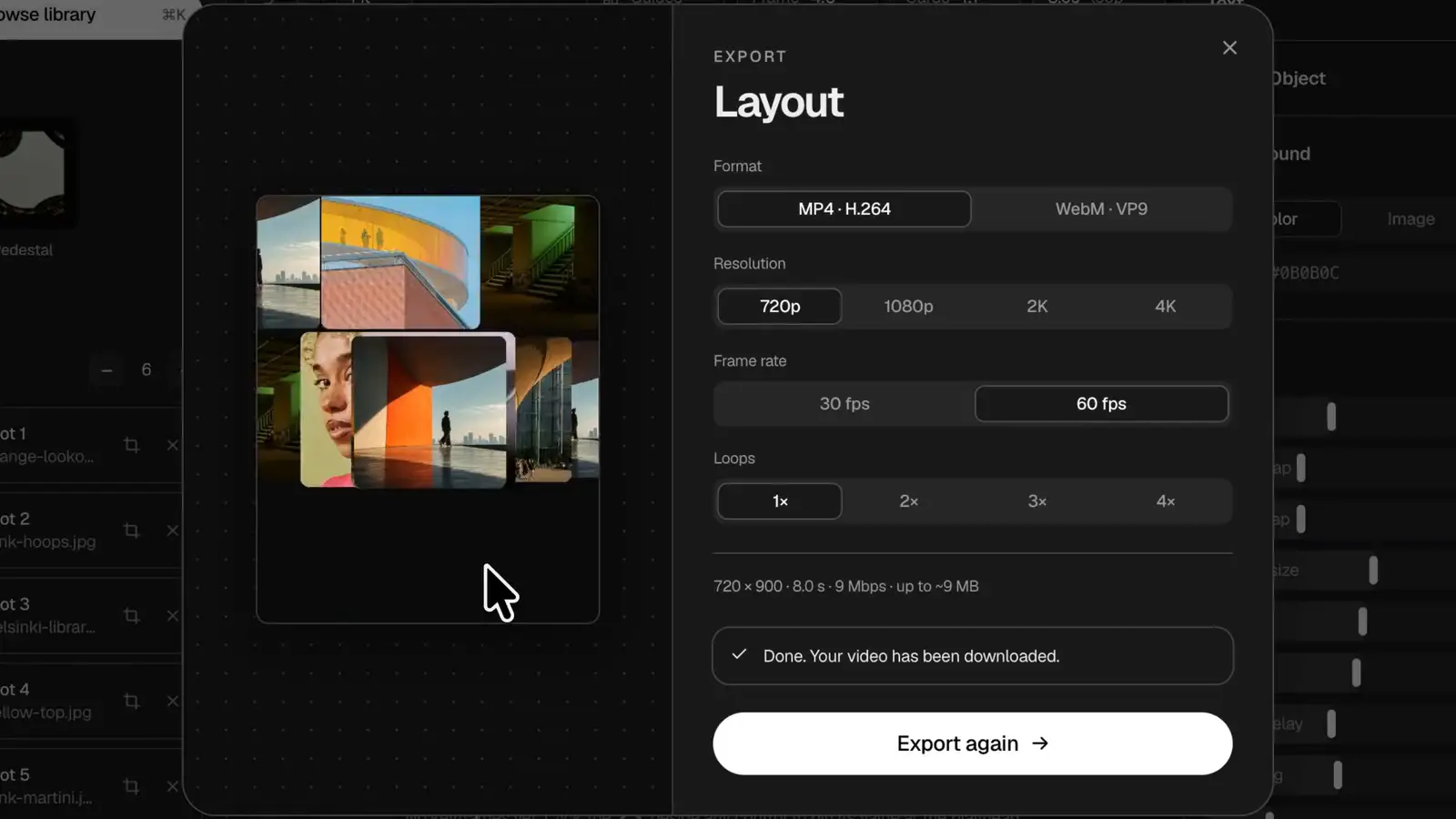
MP4 or WebM, at 30 or 60 frames a second. Free to 720p; a plan goes up to 4K.
Bring the pictures.
Make the move.
Runs in Chrome, Edge and Safari.
Have an account? Log in